Platform modules
Built on MusicXML and Score JSON
Each feature page maps back to the same score project model rather than a separate one-off converter.
Module
Audio upload
Connected to the score project workflow.
Module
Basic Pitch worker
Connected to the score project workflow.
Module
MIDI candidate
Connected to the score project workflow.
Module
Score JSON correction
Connected to the score project workflow.
Real product example
One score, structured input and reusable output
Captured from the candidate and revision workspace used after transcription. Captured 2026-07-15.
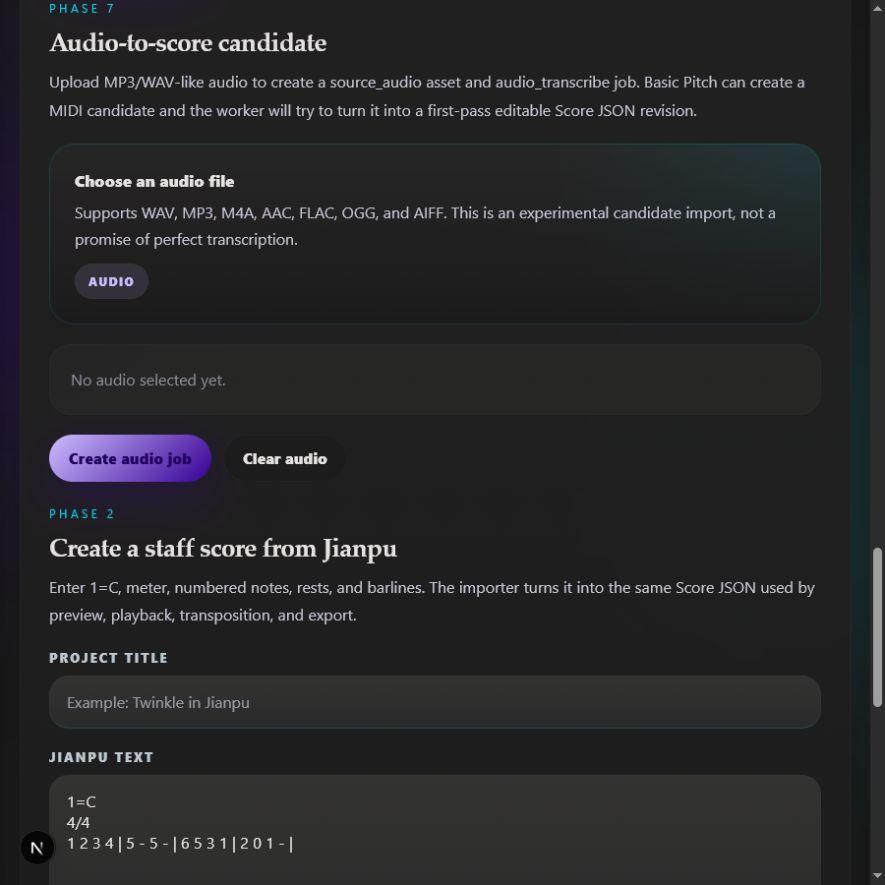
Polyphony, reverb and noisy accompaniment can reduce accuracy and require correction.
Workflow
How this path works
The public page leads into the authenticated app workflow when users are ready to process a score.
Upload an audio source
The app stores the source audio asset and queues an audio transcription job tied to a score project.
Generate a MIDI candidate
When configured, the worker calls Basic Pitch, stores the generated MIDI file, and records diagnostics in the score jobs panel.
Create an editable score draft
The platform attempts a first-pass MIDI-to-Score JSON revision so the result can be previewed, corrected, converted to Jianpu, played, transposed, and exported.
Product detail
What to expect
Candidate-first transcription
Same project workflow after import
FAQ
Questions about Audio to score transcription
Practical limits and expected workflow for this score tool.
What input does Audio to score transcription accept?
The app stores the source audio asset and queues an audio transcription job tied to a score project.
Can I edit the result after conversion?
Yes. Successful imports become Score JSON revisions that can be corrected, transposed, played, and exported from the score workspace.
What should I check before relying on the result?
Use this for permitted audio sources and expect human review. The site should not promise perfect automatic transcription from commercial recordings.
Related workflows
Continue with the same score project
These pages use the same MusicXML and Score JSON source instead of sending the score through disconnected converters.